
Two-Sided Service Marketplace
A mobile marketplace where users can both find and offer services across 10 categories
The challenge
Two-sided marketplaces are complex to build. You need separate flows for buyers and sellers that pull from the same data. Messaging needs to maintain context—which service is this conversation about? Provider dashboards need to aggregate metrics across multiple listings.
Visibility controls mean some data shows for providers but not clients. Role switching without separate accounts requires careful data architecture—one user record, two permission states, different UI depending on context.
The solution
We built this marketplace to show how all those pieces fit together. Users can browse services across categories like Home Services, Health & Fitness, and Professional Services, then switch to provider view and list their own offerings—same account, same login.
Messaging is tied to specific services so conversations never lose context. Provider dashboards aggregate views and ratings across all listings. Services toggle between active (visible to clients) and archived (hidden but preserved).
The app is fully testable with demo accounts or by creating a new account with any email.
How it works
Key features designed to solve the core problem.
Finding & Connecting
Client-side browsing, messaging, and role flexibility
Dual-Role Switching
Users switch between client and provider views with one tap. Browsing services and want to offer your own? Complete provider onboarding and you're in—same login, two roles.
Service Discovery
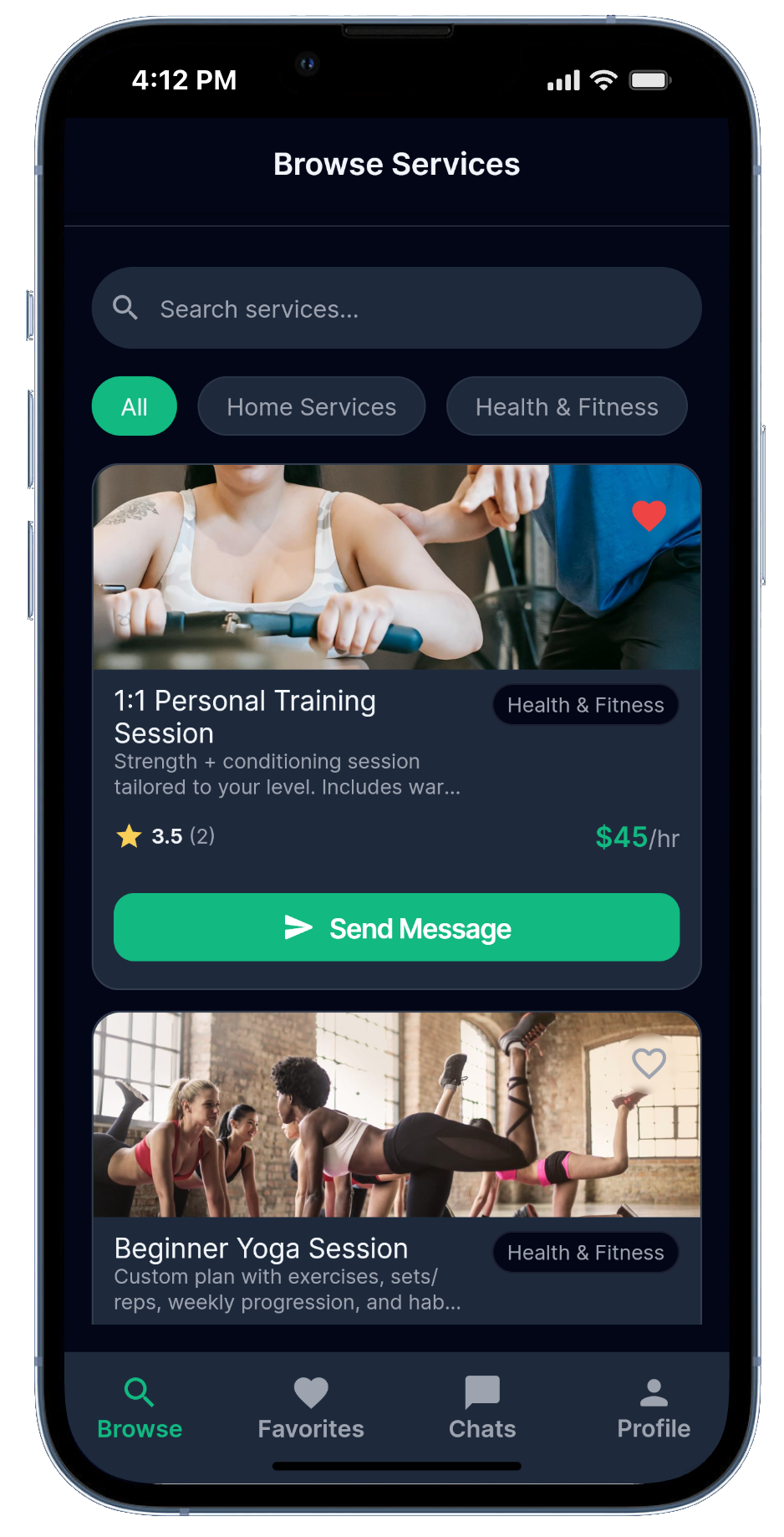
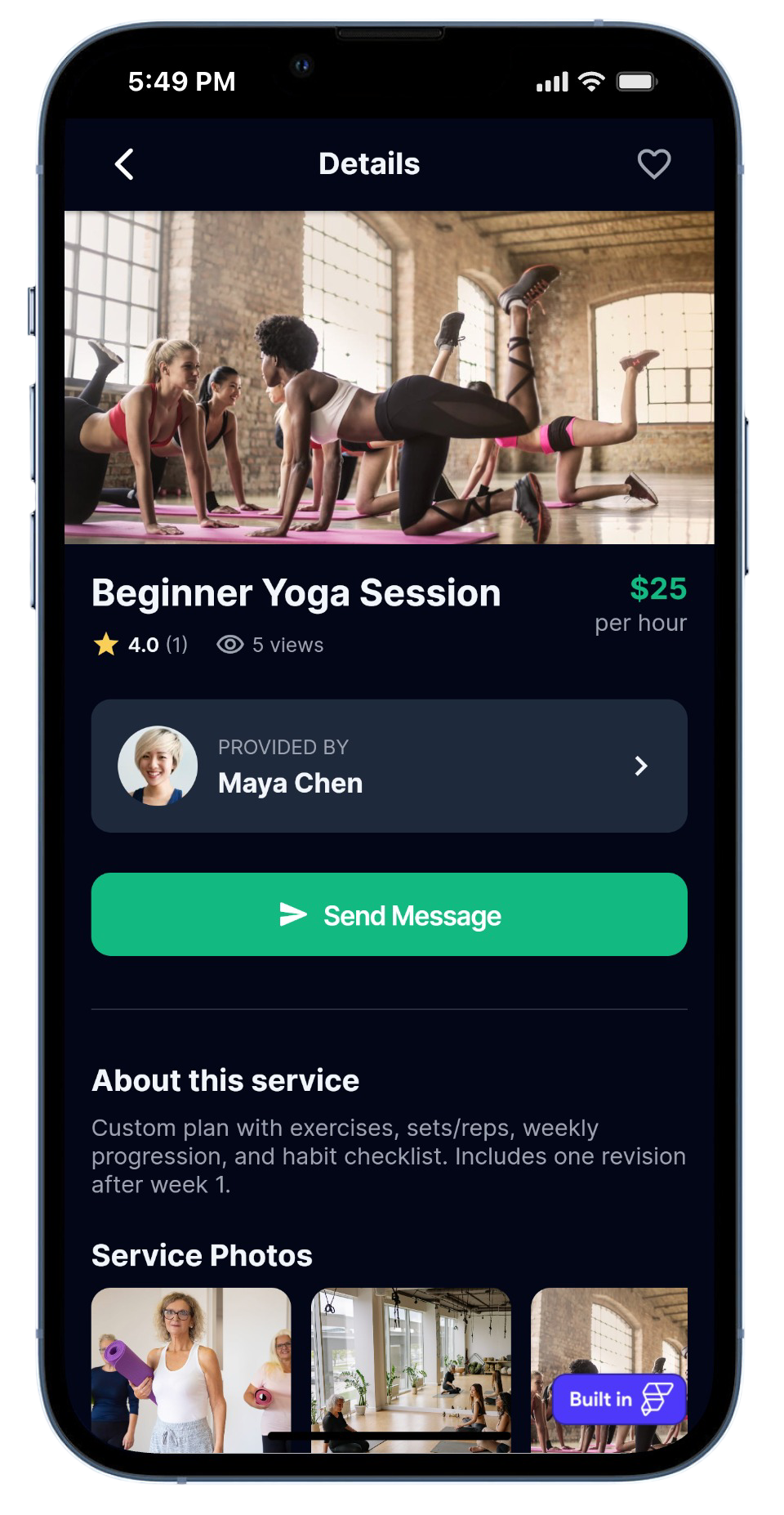
Filter by category and see rating, view count, price type, and description on each card. Save favorites, send messages, or click through for full details including location, duration, service photos, and a rating field you can update anytime.
Messaging with Context
Every conversation shows the service's cover photo, title, and provider name so you never lose track of what's being discussed. Tap the chat header to jump straight to the provider's full profile.
Provider Management
Dashboard, service controls, and portfolio organization
Provider Dashboard
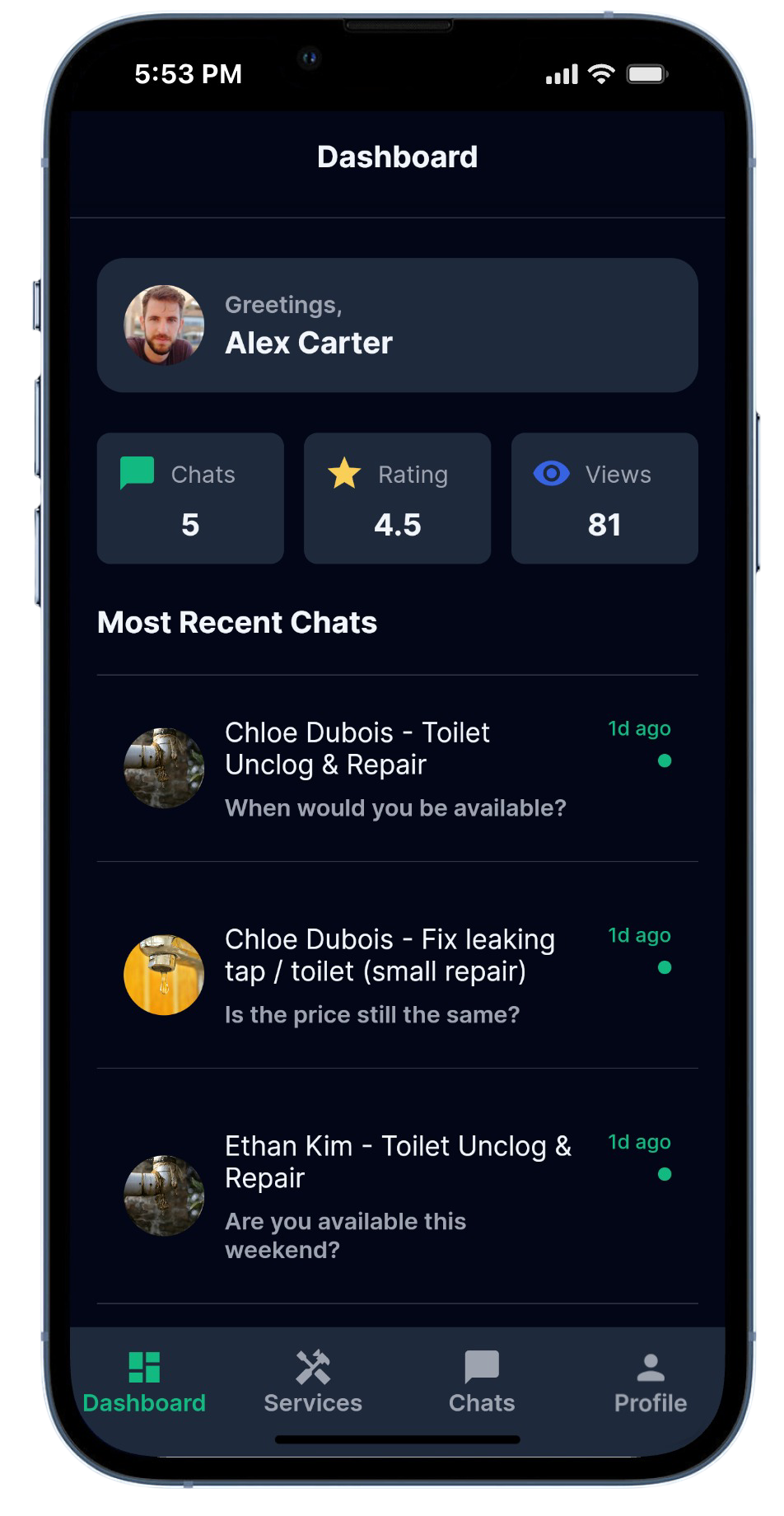
See total views (summed across all services), average rating, and chat count on one screen. Three most recent conversations and top three services by rating appear below for quick access.
Service Management
Toggle services between Active (visible to clients) and Archived (hidden but preserved) instead of deleting. Edit any service with the full form: cover photo, five service-specific photos, title, category, description, pricing, and estimated duration.
Photo Hierarchy
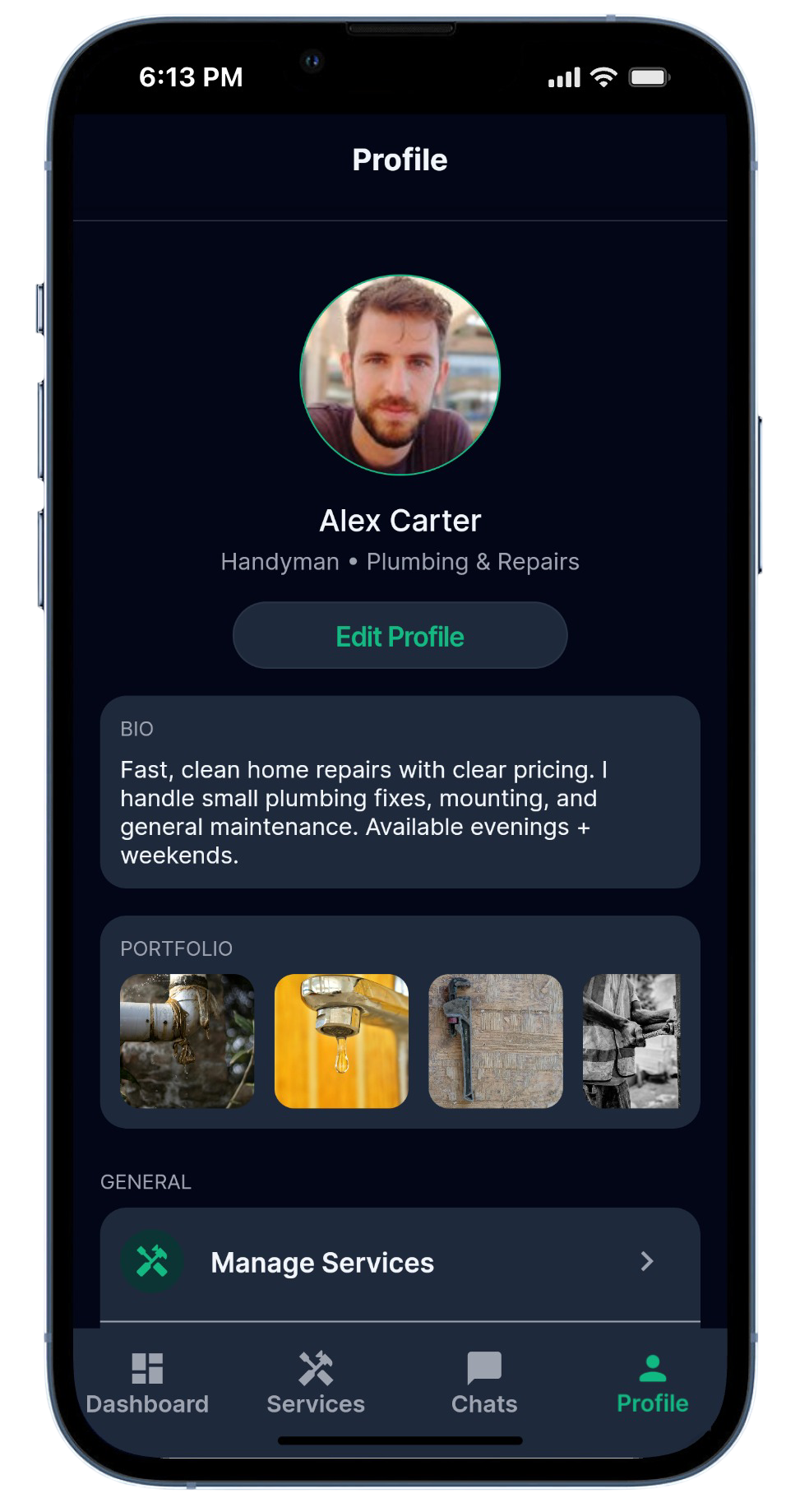
Provider profiles show five general portfolio photos demonstrating range, while each service has its own five photos showing what that specific offering delivers. Clients see service photos on detail pages and general portfolio when viewing provider profiles.
Let's build your project
Interested in a similar solution? Book a 30-min call to discuss your needs.
Can't find a time that works? Email us at richard@ockhamdigital.io